
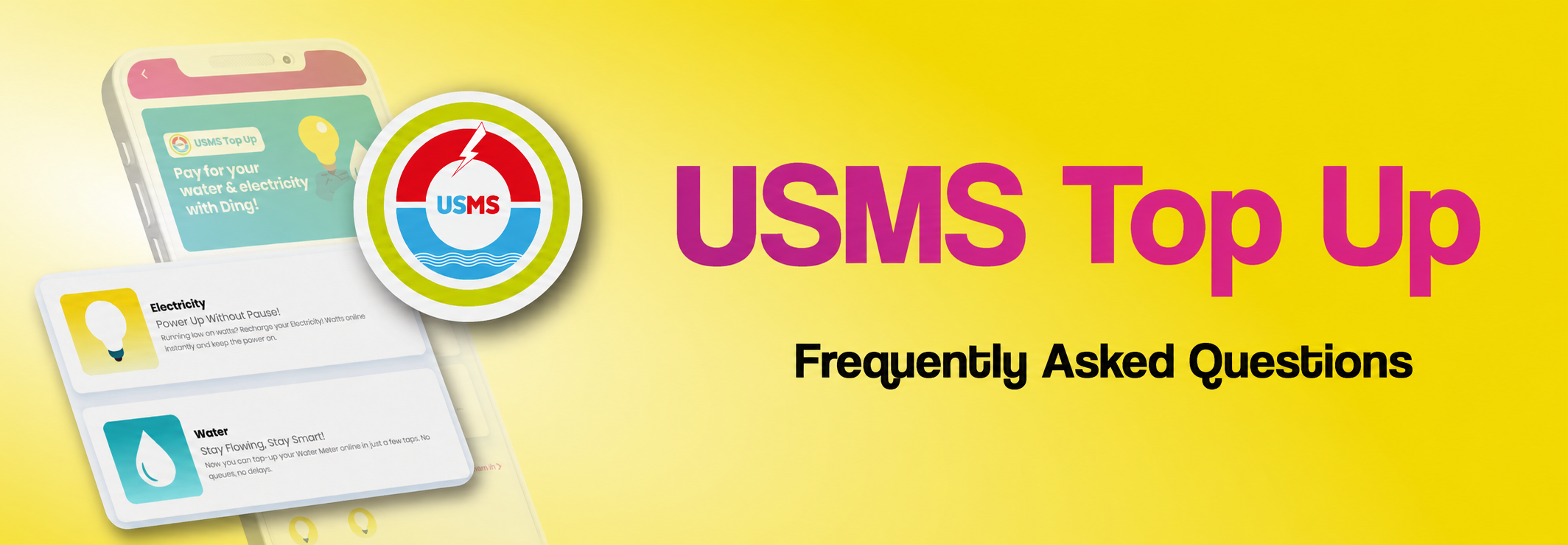
USMS Top Up is a new feature that allows users to purchase and top up utilities (such as electricity and water services) directly through the CARE+ app using Ding!
Any Progresif user with an activated Ding! wallet can use this feature.
To use the feature:
- Open Ding! on the CARE+ app and tap USMS under “Quick Payment”
- Tap “Electricity” or “Water” to top up
- Enter meter number
- Rename your Meter Label and enter top up amount
- Select payment method
- Check your details and tap “Confirm payment”
- You will receive a notification for your payment.
No. Ding! is a digital wallet, so you only need a Progresif line to get started.
You can top up selected utility services such as Electricity and Water accounts.
There is no fee to use USMS Top Up on Ding!
Yes. All Ding! transactions can be seen in your transaction history.
For issues on your Ding! account, you can reach out to us by calling 177, sending a direct message to our social media accounts and messaging us on WhatsApp at 8220177.
For issues on your USMS account, please contact the USMS hotline at 7399889 or 7399899.
Explore more FAQs
Need to get in touch?
Call us at 177
Validate your login